
Nest
Our own parent app
Already a Teddy Kids parent?
Goodbye KidsKonnect. Hello Nest. 🪺
Nest is your Teddy Kids parent app.
We built Nest ourselves and tested it thoroughly with our team and parent committee. It brings everything you need together in one simple place.
Your invoices and annual statements moved with you, so nothing got lost. Billing runs fully through Nest.
Everyday parent communication runs through Nest Messages.
Your Nest is ready. Check your email for your personal link.

The app we always wanted — rebuilt from the ground up. It just works.
No accounts. No passwords. No “please call back during office hours.” Nest is where your child's day lives — the photos, the naps, the extra-day requests, the invoices — one place that opens with a single tap on your personal link.
The day
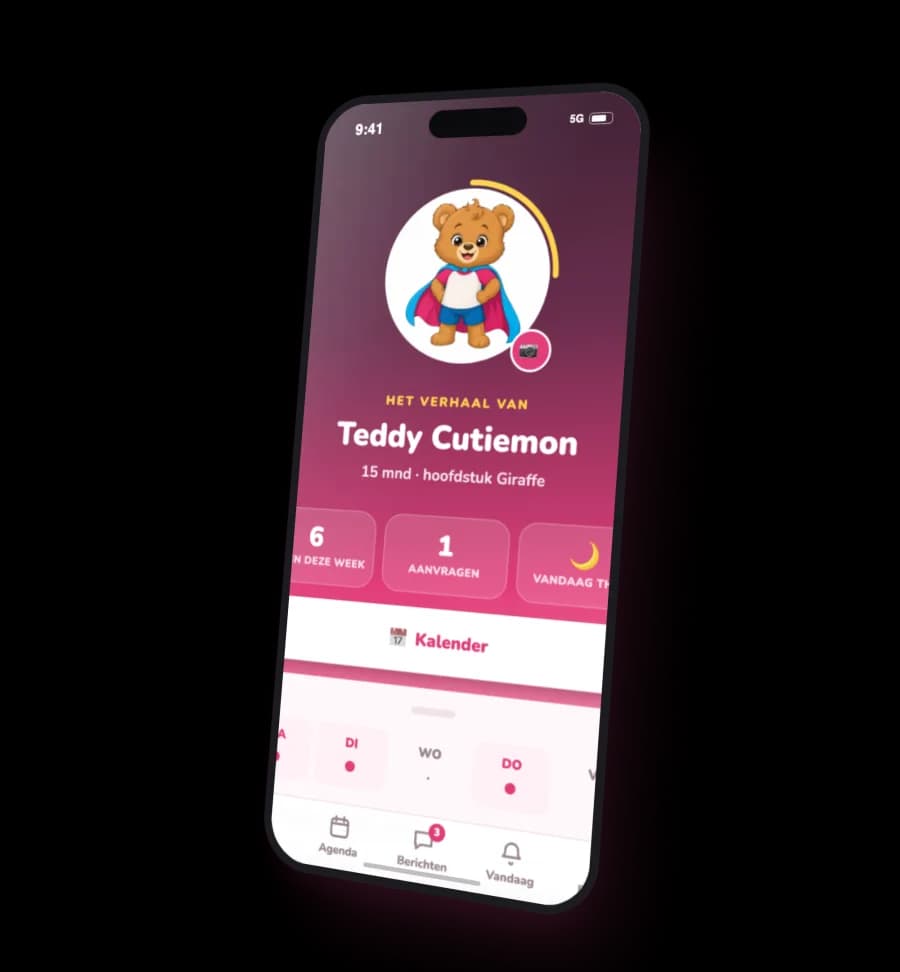
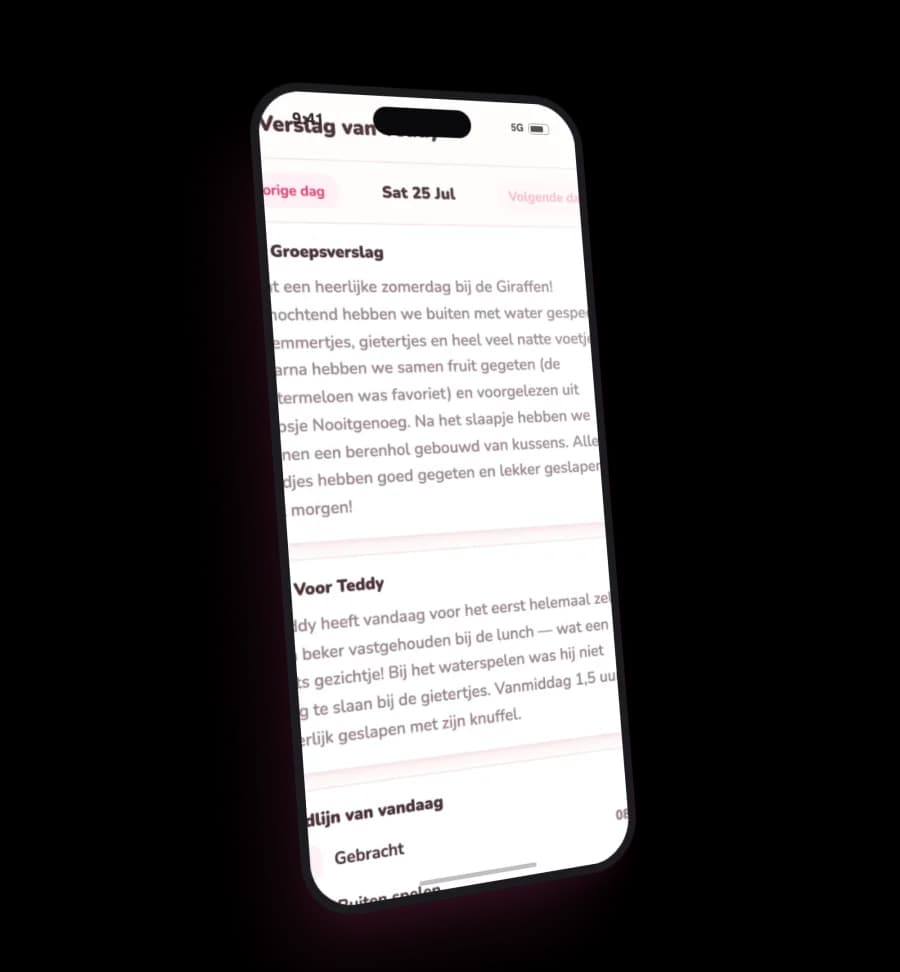
Your child's day, as it happened
Open the day report and see the day the way your child lived it: when they arrived, how they napped, what the group got up to, and the little notes only their own caregivers could write. Photos from the group land in your feed — filter them per child, keep the gems.

The calendar
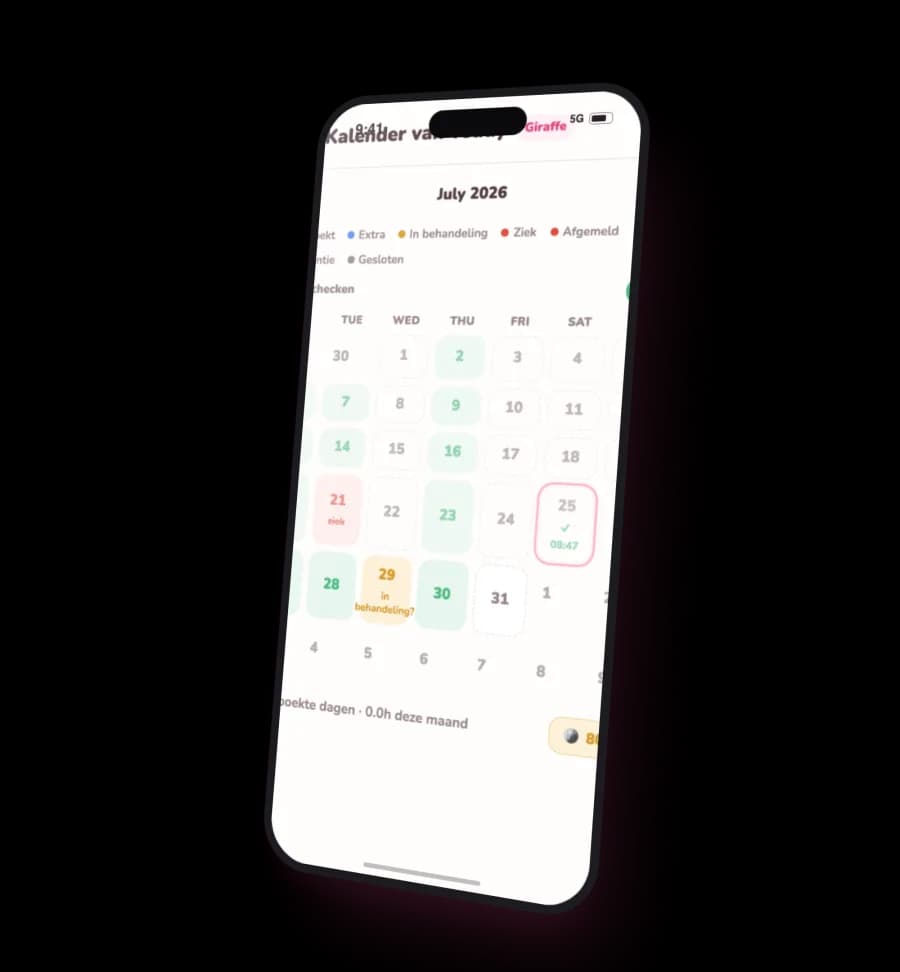
Every ‘could we maybe…?’ is one tap
Report sick before breakfast. Pass on a vacation in ten seconds. Ask for an extra Tuesday. The calendar shows every booked, requested and closed day in colour — and everything you'd normally email or call about is a tap on the day itself.
Cancel a day at least 24 hours ahead and you earn Teddy Coins — spend them later on an extra day. Your balance lives in the app, with honest warnings before coins expire.
Messages
A real chat, not a WhatsApp workaround
Message your child's group or your location directly, react with an emoji, and keep parent-committee conversations in their own rooms. No phone numbers shared, no group-chat chaos — and it speaks Dutch and English, just like we do.

And the rest
The practical stuff, handled
Weekly menu
What's for lunch, Monday to Friday.
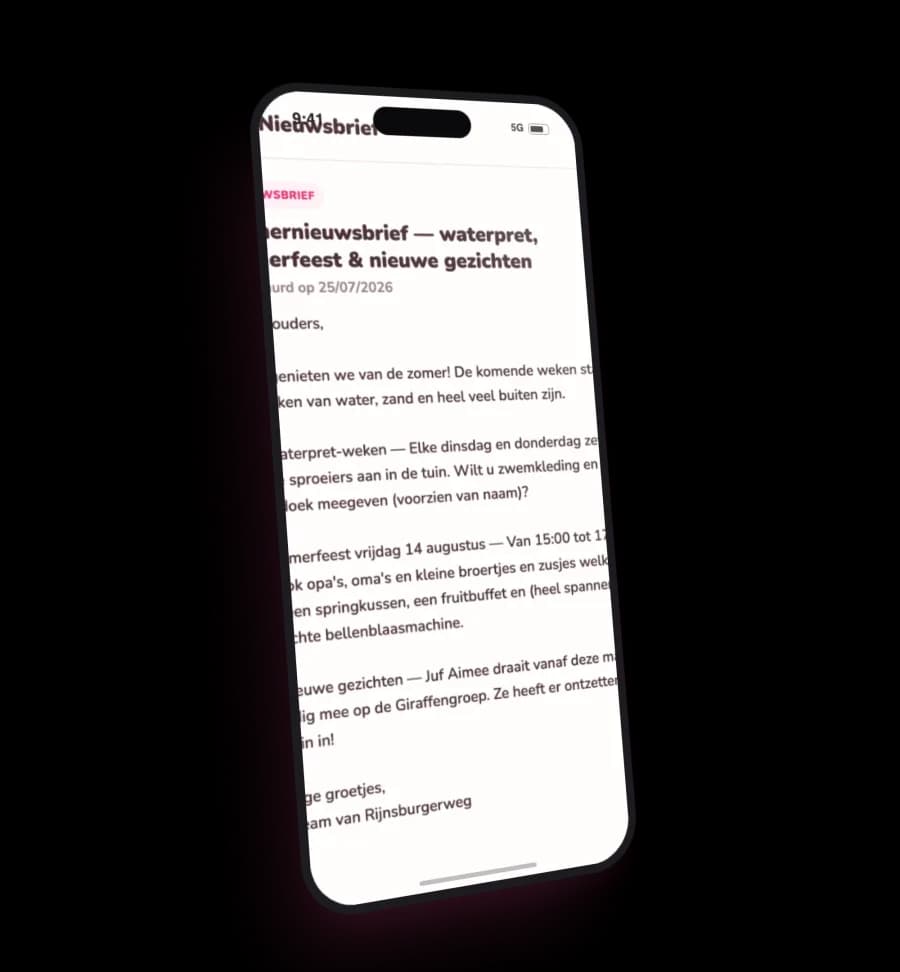
News & newsletters
Announcements and newsletters in one feed — no lost emails.
Documents
Pedagogical plans, checklists and the must-reads, always at hand.
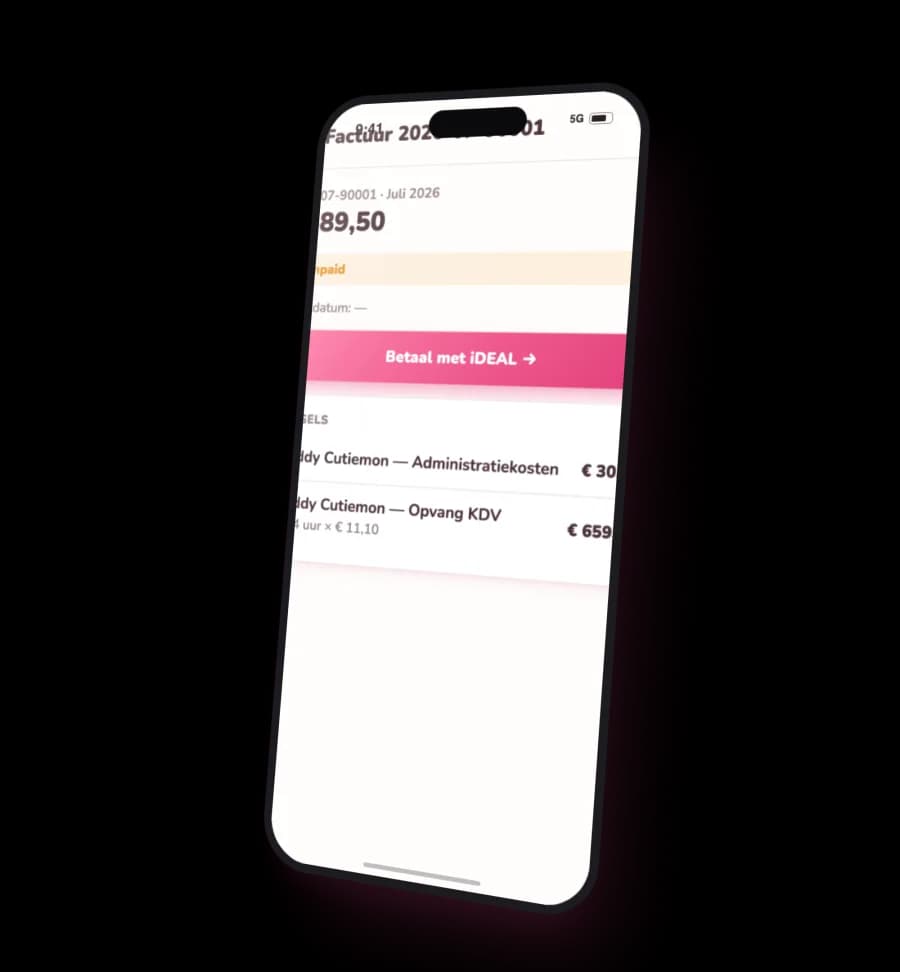
Invoices with iDEAL
See every invoice and pay it on the spot.
Your own calendar
Subscribe once and booked days appear in your phone's own calendar.
Events
Study days, parties and closures, before they surprise you.
A peek inside
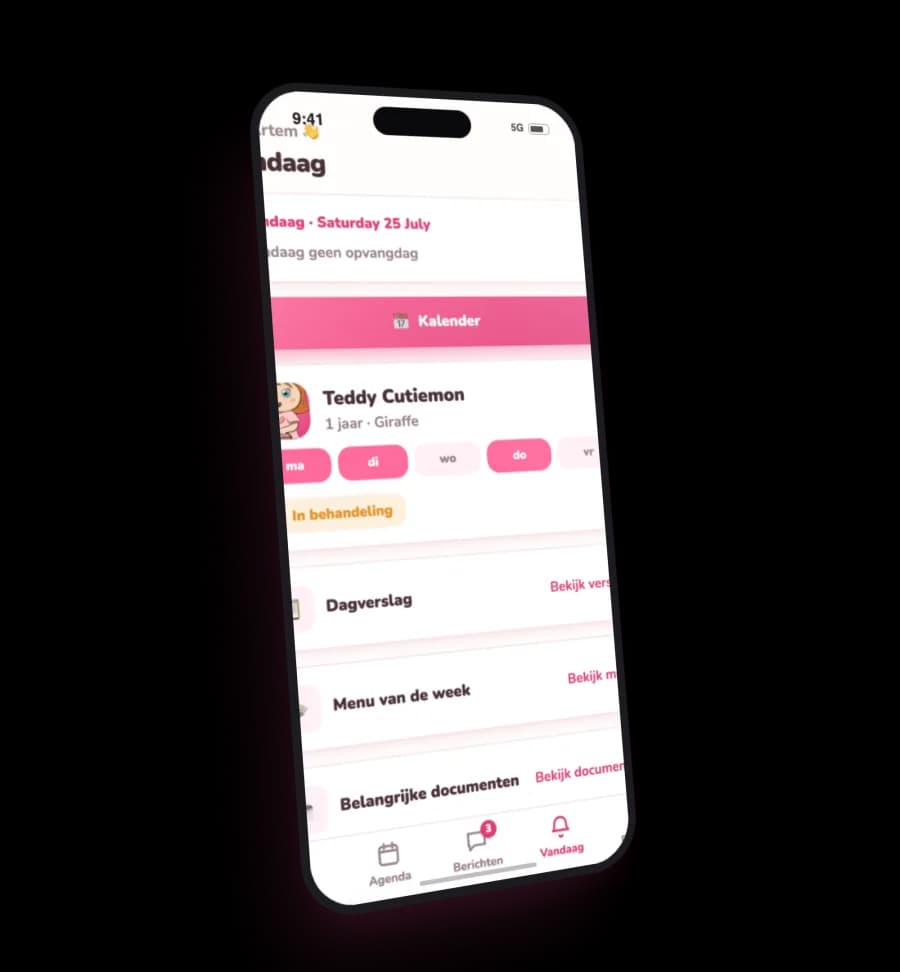
See it, tap it, done
Real screens from the app parents use every day.
Getting in
The best part: there's nothing to set up
No app store, no account, nothing to remember. You get a personal link by email — one tap and you're in, on any phone or computer. Lose the link? Request a fresh one with just your email address.
Open Nest →You'll get your personal login link by email — one tap, no password.
Moving from KidsKonnect to Nest
Everything current Teddy Kids parents need for the switch.
When do we stop using KidsKonnect?
Will I lose my invoices or annual statements?
Will old KidsKonnect photos move to Nest?
Do I need to install Nest or create an account?
Can both parents use Nest?
What if I cannot find my Nest link?
What happens to parent WhatsApp?
Is Nest already fully tested?
How the app works
Login links, the calendar, TeddyCoins, invoices and privacy — the everyday questions parents ask.
How do I get into the Nest app?
My link stopped working, or I can't find it — what now?
Can both parents have access to the app?
How do I report my child sick, and can I undo it?
What happens when I cancel a day my child won't be attending?
How do I book an extra day, and when are my coins used?
What do I get back for a vacation?
What are Teddy coins?
Where do I find and pay my invoices?
Can I have a photo of my child removed?
Where can I read the privacy policy?
How does Nest handle privacy, security and AI?
Which languages does the app support?